
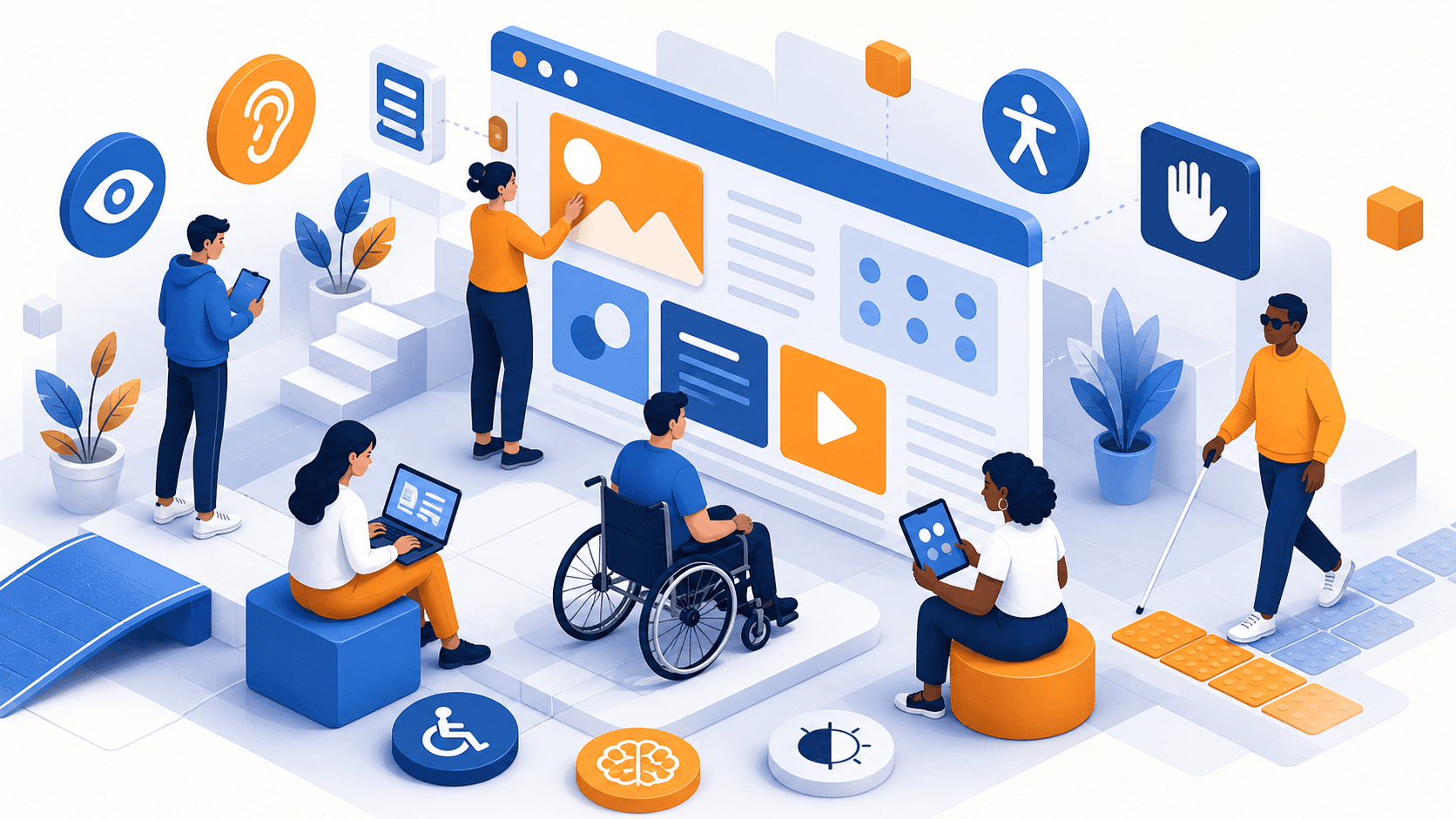

Accessibility (a11y) on Websites: Not Just for Disabilities
A beautiful website means very little if people cannot actually use it. Many business owners still think website accessibility is only about supporting users with disabilities. In reality, accessibility makes websites easier for everyone: people browsing on a phone in bright sunlight, users with temporary injuries, older audiences, busy professionals using only a keyboard, and even search engines trying to understand your content.
That is why accessibility, or a11y, should not be treated as an optional add-on at the end of a project. It is a core part of good web design. If your website is meant to reach more people, build trust, and perform better, accessibility deserves a place in the conversation from day one.
What website accessibility actually means
Website accessibility is the practice of designing and developing websites so they can be used by as many people as possible, regardless of ability or situation. This includes users with visual, motor, hearing, and cognitive disabilities, but it also benefits users dealing with everyday limitations such as poor internet, small screens, or temporary physical conditions.
Accessibility is closely connected to inclusive design. Instead of assuming every visitor interacts with a website in the same way, inclusive design asks a better question: how can we make this experience work for more people?
For example:
- A user with low vision may need strong color contrast and scalable text
- A user who cannot use a mouse may rely fully on keyboard navigation
- A screen reader user depends on proper headings, labels, and alt text
- A user with dyslexia or cognitive fatigue benefits from clear structure and simple language
- A person with a broken arm may temporarily navigate using only a keyboard or voice controls
So no, accessibility is not just for a small group of users. It is about designing digital experiences that are flexible, understandable, and usable in real life.
Why accessibility matters for business, not just compliance
Some companies only start thinking about accessibility when legal risk appears. But the real value goes much further than compliance.
1. You reach a wider audience
If your website is difficult to use, you are quietly excluding potential customers. That can include people with permanent disabilities, aging users, people with temporary injuries, and users in less-than-ideal environments.
An accessible website opens your business to a broader market. It shows that your brand is considerate, modern, and ready to serve real users with different needs.
2. Accessibility often improves SEO
There is a strong connection between website accessibility and SEO. Search engines prefer websites that are well structured and easy to understand. Many accessibility best practices also support technical and on-page SEO.
Examples include:
- Using semantic HTML for clearer page structure
- Writing descriptive alt text for images
- Creating meaningful heading hierarchies
- Improving readability and content clarity
- Ensuring links and buttons are understandable
Google may not rank a site simply because it is accessible, but accessible websites tend to be better organized and easier to crawl. That creates a strong foundation for SEO performance.
3. Better user experience means better conversions
Accessibility reduces friction. When users can navigate easily, understand content quickly, and complete actions without confusion, they are more likely to stay longer and convert.
In other words, accessibility is not just ethical. It is practical. A website that works better for more people usually performs better as a business asset.
4. Legal awareness is growing
Around the world, accessibility regulations are becoming more common. In Indonesia, awareness around digital inclusion is also increasing, especially among larger organizations, public institutions, and businesses that want to work with international clients.
Even if local enforcement is still developing, building an accessible website now is a smart long-term move. It helps future-proof your digital presence and shows professionalism.
Basic WCAG principles every website should follow
When people talk about accessibility standards, they usually refer to WCAG or the Web Content Accessibility Guidelines. You do not need to memorize the full documentation to make meaningful improvements. Start with the basics that have the biggest impact.
Color contrast
Text should be easy to read against its background. Low contrast may look elegant in a mockup, but in practice it creates serious readability issues, especially for users with low vision or when screens are viewed outdoors.
A few simple rules:
- Avoid light gray text on white backgrounds
- Make buttons and links visually clear
- Test your design in real conditions, not just on a designer's monitor
Good contrast helps everyone, not only users with visual impairments.
Alt text for images
Alt text describes images for screen reader users and also helps when images fail to load. It should explain the meaning or function of the image, not just repeat vague words like “image” or “photo.”
For example:
- Weak alt text: "banner"
- Better alt text: "Team discussing website redesign strategy in an office"
If an image is purely decorative, it should be marked appropriately so assistive technologies can ignore it.
Keyboard navigation
Not every user navigates with a mouse or trackpad. Some rely entirely on a keyboard. That means users should be able to move through menus, forms, buttons, and links using the Tab key and other standard keyboard controls.
Common issues include:
- Menus that cannot be opened without a mouse
- Buttons that do not show focus states
- Forms that are difficult to complete using keyboard only
If a user cannot access key functions without a mouse, the website is not truly accessible.
Semantic HTML
Semantic HTML gives structure and meaning to content. Instead of using generic elements for everything, developers should use proper tags such as:
<header><nav><main><section><article><button>- Heading tags like
<h1>to<h3>
This helps screen readers interpret content correctly, and it also improves maintainability and SEO. Semantic HTML is one of the simplest ways to create a stronger foundation for accessibility.
Accessibility is also about visual, motor, and cognitive inclusion
It is easy to reduce accessibility to a checklist, but real accessibility is about understanding how different people experience a website.
Visual accessibility
Users with visual disabilities may use screen readers, zoom tools, or high-contrast settings. They need content that is readable, structured, and not dependent on color alone.
Helpful practices include:
- Clear heading hierarchy
- Resizable text
- Sufficient spacing
- Avoiding text embedded inside images
- Labels that remain understandable without visual context
Motor accessibility
Some users have limited hand movement, tremors, or conditions that make precise clicking difficult. Small buttons, tightly packed links, and hover-only interactions can create barriers.
Better motor accessibility means:
- Larger tap targets
- Enough spacing between clickable elements
- Full keyboard support
- Avoiding interactions that require very precise movement
Cognitive accessibility
Cognitive accessibility is often overlooked. Users with ADHD, dyslexia, memory limitations, or processing difficulties may struggle with cluttered layouts, inconsistent navigation, and long confusing forms.
To make websites more cognitively accessible:
- Use clear and simple wording
- Keep navigation consistent
- Break content into sections
- Avoid overwhelming users with too many choices at once
- Write helpful form instructions and error messages
A cleaner, clearer website benefits everyone, especially busy users who want answers quickly.
Practical tools to check website accessibility
The good news is you do not have to guess whether your website has accessibility issues. There are useful tools that can help you identify common problems.
WAVE
WAVE is a popular accessibility evaluation tool that highlights issues directly on your web page. It can help detect missing alt text, contrast problems, structural issues, and more.
It is especially useful for designers, developers, and content teams who want a visual way to review accessibility.
Lighthouse
Lighthouse, available in Chrome DevTools, includes an accessibility audit alongside performance, SEO, and best practices. It gives a score and points out issues such as missing labels, poor contrast, and problematic HTML patterns.
It is a great starting point for quick checks during development.
Important note: tools are only the beginning
Automated tools are helpful, but they cannot catch everything. Real accessibility also requires manual testing.
Try this simple process:
- Navigate your website using only a keyboard
- Zoom text to see if layout still works
- Check whether forms are clear and easy to complete
- Review headings and content structure
- Test with real users when possible
Accessibility is part automation, part human empathy.
Accessibility should be built in, not patched later
One of the biggest mistakes in web projects is treating accessibility as a final checklist item before launch. By that point, many problems are already deeply built into the design or code.
A better approach is to include accessibility from the start:
- During strategy: define inclusive user needs
- During design: plan contrast, spacing, and readable layouts
- During development: use semantic HTML and accessible components
- During content creation: write clear copy and meaningful alt text
- During QA: test with tools and manual review
When accessibility is part of the workflow, the result is not only more inclusive but also more polished and future-ready.
Conclusion
Website accessibility is not just about disabilities. It is about creating websites that more people can use, understand, and trust. From color contrast and alt text to keyboard navigation and semantic HTML, the basics are not complicated, but their impact is huge.
For business owners, accessibility can support SEO, expand audience reach, improve conversions, and prepare your brand for a more inclusive digital future. For designers and developers, it is a sign of quality work and responsible thinking.
If you want a website that looks professional and works for more people, accessibility should be part of the plan. At kreasikita.co, we help businesses build websites that are modern, effective, and inclusive from the ground up.